CNC Router Cutting Explained: How It Works, What It Cuts and Which Bits to Use
A plain-language reference from the team at DSign LED in Ottawa. It covers how a CNC router turns a digital file
into a finished part, which materials it handles, which tool does which job, and which industries use it.
CNC router cutting is a subtractive process. A computer-controlled machine moves a spinning bit, or a knife,
along a programmed path to cut, carve, drill or engrave sheet material. You send a digital file, the machine follows it,
and the same job comes out identical every time. CNC stands for computer numerical control.
At DSign LED we use CNC router cutting for signs, displays and fabricated parts. If you are looking for the service itself, see our
CNC cutting service in Ottawa. If you want to understand how it all works first, keep reading.
How It Works
How a CNC Router Works, Step by Step
A router has a gantry that travels on three axes (X, Y and Z) over a flat table. The spindle on the gantry holds the tool.
The file decides where it goes.
1
Design File
A vector drawing (DXF, AI, SVG or PDF) of every shape to cut
2
Toolpath
Software turns the drawing into tool moves: which tool, how deep, how fast
3
Hold-Down
A vacuum table pulls the sheet flat so it cannot shift
4
Cut
The spindle or knife follows the path, changing tools as the job needs
5
Finish
Parts are cleaned, deburred and checked against the file
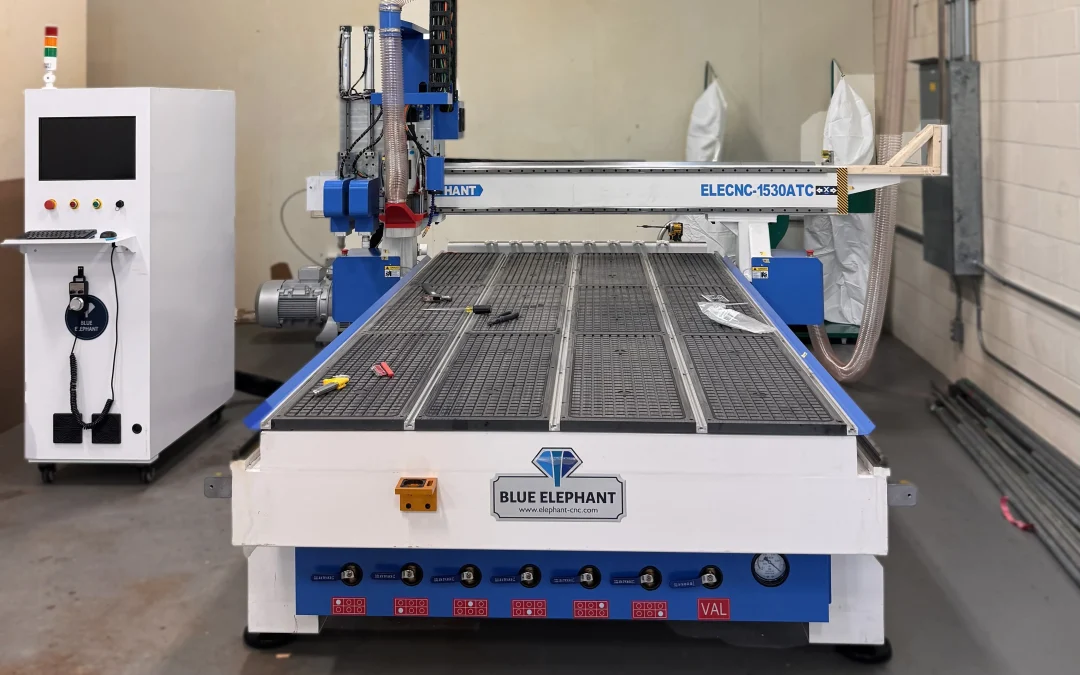
The machine behind this guide
Specs are for the CNC router at DSign LED in Ottawa.
1500 x 3000 mmCutting area, about 5 x 10 ft
200 mmZ-axis travel, about 7.9 in
9 kW, 18,000 rpmAir-cooled spindle with automatic tool change
8 toolsLinear tool magazine with automatic tool sensor
Why the tool changer matters: one job can start with a roughing bit, move to a V-bit for grooves, and finish with a knife
without anyone stopping the machine. The tool sensor measures each tool’s length so the cut depth stays accurate after every change.
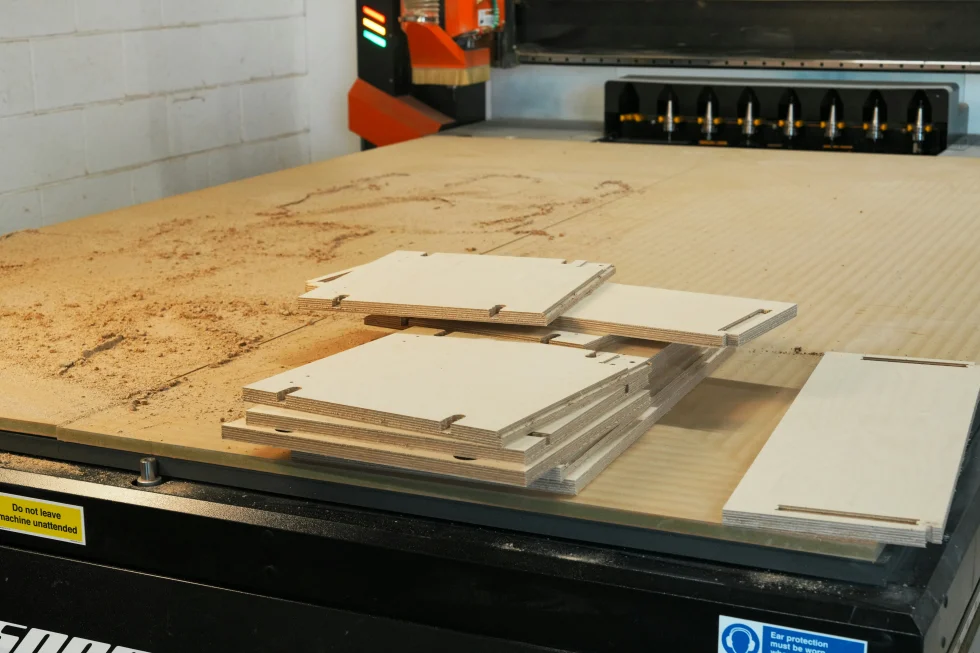
Parts cut from a single sheet on a CNC router table. Illustrative photo.
Tools
One Machine, Three Ways to Cut
CNC router cutting suggests a spinning bit, but a well-equipped machine cuts in more than one way, and a camera keeps printed work accurate. The right tool depends on whether the
material is rigid or soft.
Tool or feature
How it works
Best for
Typical jobs
Router bit
A spinning bit removes material. Bit shape sets the edge quality.
Flat letters, sign panels, display parts, cabinet parts
Oscillating knife
A blade moves up and down very fast while the head follows the path. The head turns to keep the blade aligned with the direction of the cut (tangential control), so corners and curves come out clean.
Soft and flexible: corrugated cardboard, foam, EVA, Coroplast, leather, rubber
What a CNC router does not cut well: steel plate and thick metal. Plasma, laser or waterjet is the right process for those.
Thickness is a per-job question too: the Z axis travels 200 mm, and the usable thickness depends on the tool and the material.
Tell us what you plan to cut and we will confirm.
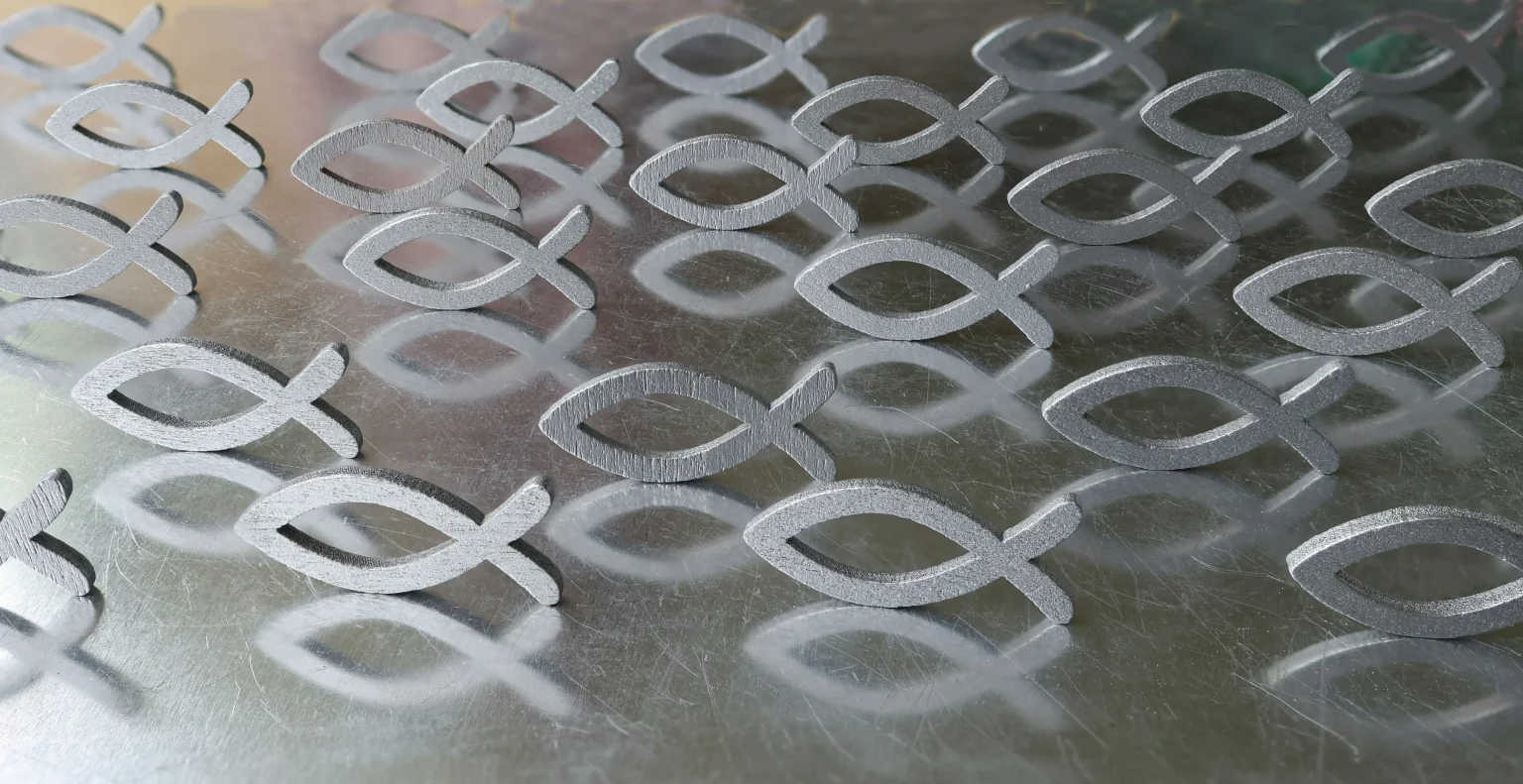
Shapes cut from sheet material and nested close together. Illustrative photo.
Bits
Router Bits: Which One for Which Job
In CNC router cutting, bit choice changes the edge more than machine power does. The cutting direction of the flutes decides where the chips go and which face of the sheet stays clean.
Bit
How it cuts
Best for
Watch for
Upcut spiral
Flutes pull chips up and out of the cut.
Deep cuts, pockets, slots, plywood and solid wood
Lifts the top face; needs strong hold-down
Downcut spiral
Flutes push chips down into the cut.
Clean top edges on laminates and veneered boards
Can pack chips in deep cuts
Compression
Upcut at the tip, downcut near the shank.
Cabinet panels, melamine, laminated plywood: clean on both faces
Needs a cut deep enough to engage both sections
Straight (flat) flute
Straight flutes shear the edge.
Plain sheet cutting and foam
Rougher edge than a spiral bit
Single flute (O-flute)
One wide flute clears chips quickly, so the bit runs cool.
Acrylic, PVC and other plastics
Slow feed or the wrong speed can melt plastic
V-bit
Angled tip cuts a V-shaped groove.
Engraving, chamfers, lettering, V-groove folds in ACM
Match the angle to the fold or the design
Ball nose
Rounded tip leaves a smooth curved surface.
3D carving and contoured surfaces
Slow, since it takes many passes
Surfacing bit
Wide cutter that skims a flat plane.
Flattening the sacrificial board on the table
Not for cutting parts
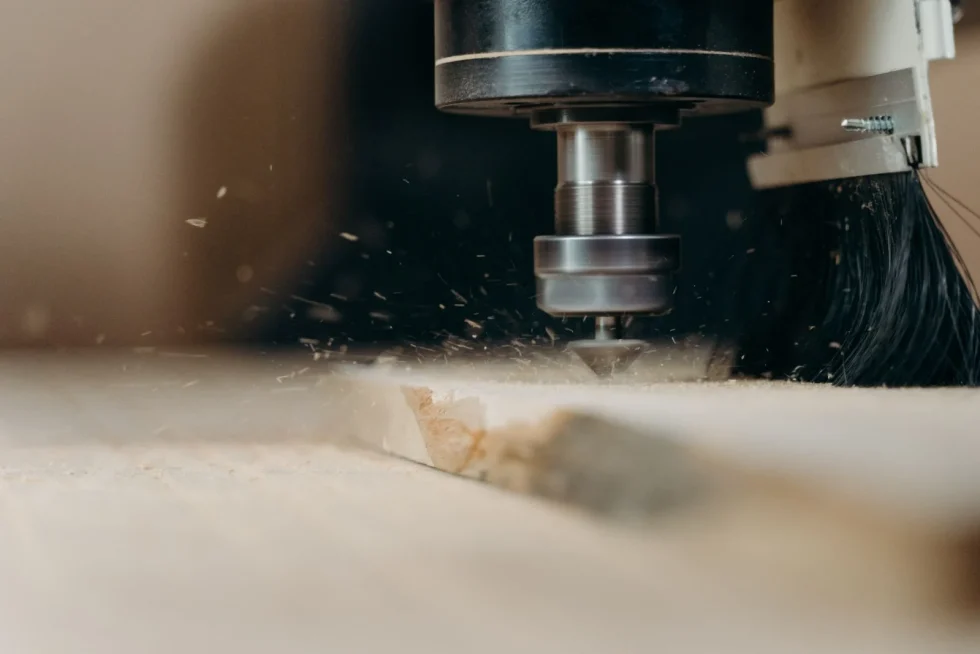
A router bit cutting wood. Chips leave the cut as the bit turns. Illustrative photo.
Industries
Which Industries Use CNC Cutting?
Any business that works in sheet material and repeats shapes can use CNC router cutting. These are the main users we see in Ottawa.
🪧
Signage
Flat and dimensional letters, sign panels, lightbox parts and brackets cut from acrylic, ACM and PVC.
🛍️
Retail displays and POP
Floor displays, counter displays and prototypes in cardboard, foam and acrylic.
🪚
Cabinets and millwork
Cabinet boxes, doors, shelves and templates cut from plywood, MDF and melamine.
📦
Packaging and prototyping
Sample boxes, inserts and short runs before an industrial converter makes thousands.
🛋️
Upholstery and leather goods
Leather, synthetic leather and foam cut to pattern with a knife.
🏛️
Architecture and interiors
Panels, screens, models and feature walls.
🎪
Events and exhibits
Booth parts, props and signs built quickly and cut to size.
🏭
Sign shops and fabricators
Overflow cutting when your own machine is busy or you have no CNC.
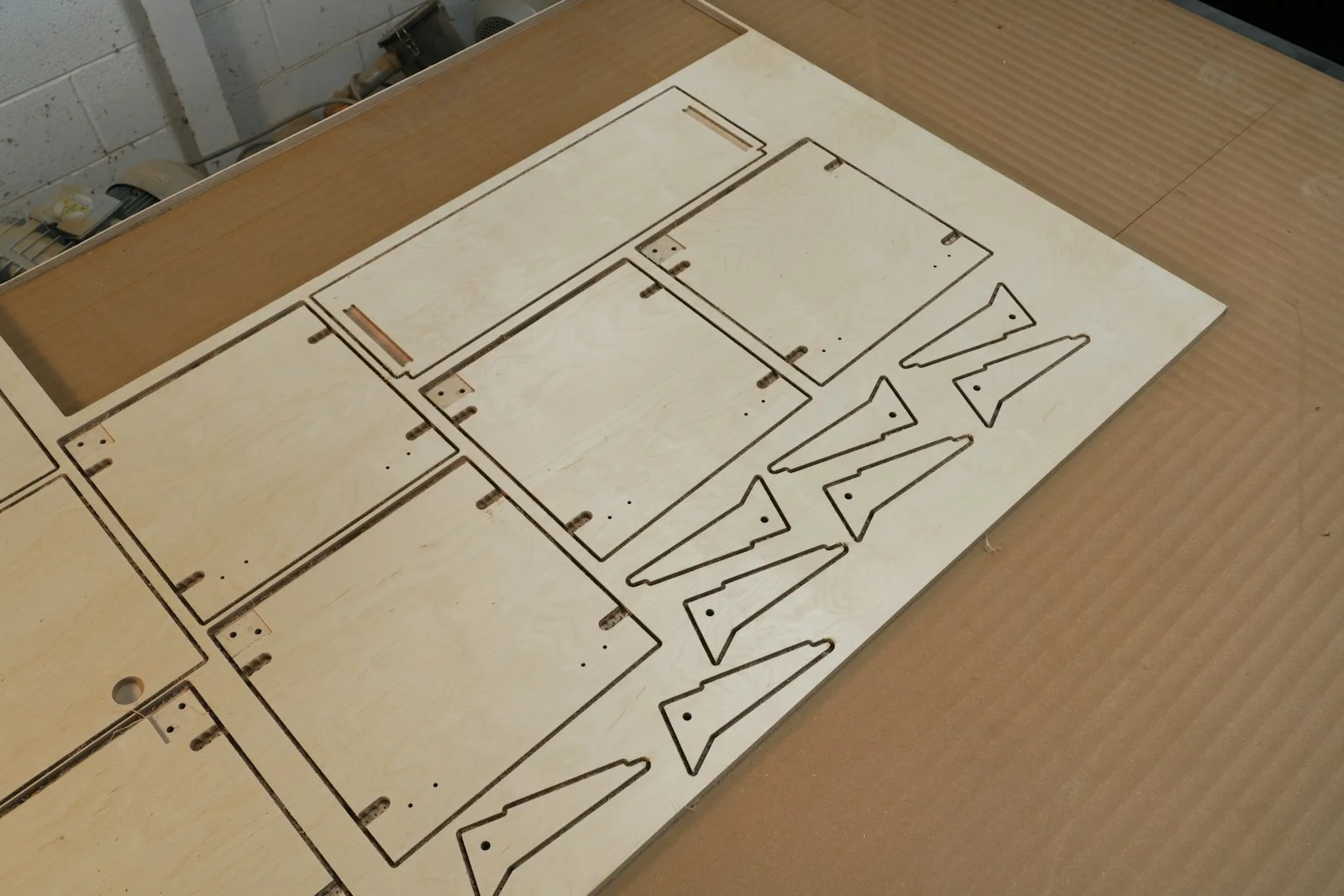
Illustration of an acrylic counter display, a typical CNC job. Not a photo of a finished piece.Cabinet-style panels nested on one plywood sheet. Illustrative photo.
Printed Work
Cutting to the Artwork: Print and Cut
CNC router cutting on a printed sheet is the hard part: a few millimetres of drift ruins a display. Our machine has a camera with edge detection.
It reads registration marks or the sheet edge, then lines up the cut with the printed image. That is how a printed cardboard display
or a printed ACM panel gets cut exactly on the artwork. See how this fits into our CNC cutting service
and our printing services.
Comparison
CNC Router vs Laser vs Plasma vs Vinyl Plotter
These four cut very differently. Here is where each fits.
Process
Cuts
Strength
Limit
CNC router
Plastics, ACM, aluminum sheet, wood products; soft materials with a knife
Thick rigid sheets, large format, 2.5D shapes, folds and grooves
Inside corners take the bit’s radius
Laser cutter
Thin acrylic, wood, paper, fabric
Very fine detail and polished acrylic edges
Limited thickness; PVC is not laser-safe
Plasma cutter
Steel and other conductive metals
Fast cutting of metal plate
Metals only; rougher edge
Vinyl plotter
Vinyl, thin film, paper
Graphics and decals
Thin flexible film only
Your File
How to Prepare a File for CNC Router Cutting
What to send
A vector file: DXF, AI, SVG or PDF
Material and thickness
Quantity and finished size
A sketch with measurements, if you have no file yet
What helps the cut
Closed paths, with no overlapping lines
Inside corners no sharper than the bit’s radius
Space between parts, so they can nest on the sheet
Registration marks on printed sheets
Sheet size: the table is 1500 x 3000 mm (about 59 x 118 in). A standard 4 x 8 ft sheet (48 x 96 in) fits with room to spare.
Frequently Asked Questions
CNC Cutting: Common Questions
What is CNC router cutting and what does it cut?
CNC router cutting uses a computer-controlled machine that moves a spinning bit along a programmed path to cut, carve, drill or engrave sheet material. It handles rigid sheets such as acrylic, aluminum composite (ACM), PVC and wood. With a knife head it also cuts soft materials such as cardboard, foam, Coroplast and leather.
Is CNC cutting the same as 3D printing?
No. CNC cutting is subtractive: the machine removes material from a solid sheet or block. 3D printing is additive: it builds an object layer by layer. CNC is the faster choice for flat parts, signs and panels in sheet material.
Can a CNC bit be used in a hand router?
Sometimes, if the shank size matches the collet and the bit is rated for the router’s speed. The reverse is the safer rule: a bit made for a CNC spindle is balanced for constant, high-speed work, so use bits chosen for the machine and the material, not a general-purpose bit from a hardware store.
Which file formats do you accept for CNC cutting?
We accept DXF, AI, SVG and PDF vector files. If you only have a sketch with measurements, send it and we will help turn it into a cut-ready file. Closed, clean paths give the best result.
How thick a material can the machine cut?
The Z axis on our machine has 200 mm (about 7.9 in) of travel. The practical thickness depends on the tool and the material: a router bit, an oscillating knife and a creasing tool each have different limits. Tell us the material and thickness and we will confirm before quoting.
Can you cut cardboard, foam and Coroplast?
Yes. We use an oscillating knife for soft and flexible materials such as corrugated cardboard, foam, EVA, Coroplast, leather and rubber. A creasing tool adds fold lines to cardboard so display stands and boxes fold cleanly.
Can you cut printed sheets so the cut matches the artwork?
Yes. A camera with edge detection reads the sheet and registration marks, so the cut lines up with printed artwork on cardboard, ACM or other printed sheet material.
What can a CNC router not cut?
A router is not the right tool for steel plate or thick metal. Plasma, laser or waterjet cutting handles those. A CNC router is best for plastics, aluminum composite, thin aluminum sheet, wood products and soft sheet materials.
How big a sheet fits on your CNC table?
The cutting area is 1500 x 3000 mm (about 59 x 118 in, or 5 x 10 ft). A standard 4 x 8 ft sheet fits with room to spare, and the vacuum table holds the sheet flat while it is cut.
Do you offer CNC cutting in Ottawa?
Yes. DSign LED offers CNC cutting for businesses in Ottawa, Kanata, Nepean, Orleans, Barrhaven, Stittsville and Gatineau, for signs, displays, cabinet parts and prototypes. Send your file or a sketch and we will reply with a quote.
About This Guide
Written by DSign LED, Ottawa
DSign LED is a family-owned sign company in Ottawa, backed by over 10 years of hands-on experience in the sign industry.
Our shop is at 1570 Carling Ave, Unit F, Ottawa, ON K1Z 7M4. Updated October 27, 2026.
We serve businesses across the National Capital Region: